Nobody wakes up one morning and says “I need new business software.” It happens gradually. A workaround here. A manual process there. A new spreadsheet to bridge a gap between two systems that should talk to each other but do not.
One day you look around and realize your team is spending half their time fighting the tools instead of doing the work. Studies suggest that 70% of rapidly growing businesses face operational challenges directly tied to outdated software, and companies spend 60 to 80% of their IT budgets just maintaining legacy systems — leaving almost nothing for the things that actually move the business forward.
The tricky part is recognizing the problem while you are inside it. These workarounds become normal. Nobody questions them because “that is just how we do it.” This guide describes 10 specific signs that your business has outgrown its software — so you can spot them before they quietly cost you real money.
Quick Answer: How Do You Know You Need New Business Software?
The clearest signs you need new business software are: your team manually transfers data between systems daily, you maintain spreadsheets to fill gaps the software cannot handle, routine tasks that should take minutes take hours, you cannot get a reliable report without someone assembling it by hand, you are paying for multiple tools to do what one integrated system should handle, new hires take weeks to learn your workarounds, your software cannot keep up with increased volume, security or compliance gaps keep you up at night, your team openly avoids using certain features, and customer experience suffers because internal systems are slow or disconnected.
1. Your Team Is Manually Transferring Data Between Systems
This is the single most obvious sign, and the one that costs the most invisible money.
Someone on your team copies customer data from the CRM into the invoicing tool. Someone else re-enters order details from the website into the warehouse system. Someone downloads a CSV from one platform, cleans it up, and uploads it into another.
These tasks feel small. But add them up: if three people spend 30 minutes a day on data transfer, that is 7.5 hours daily, nearly 2,000 hours per year. At $25 an hour, you are spending $50,000 annually on work that an integrated system handles in zero seconds with zero errors.
Worse, every manual transfer is a chance for mistakes. A transposed number in an invoice. A misspelled customer name. An order that gets entered twice — or not at all. These are not hypothetical problems. They are happening right now in businesses that have outgrown their software, and nobody has connected the dots between the tool and the cost.
2. You Have Spreadsheets Filling Gaps the Software Cannot Handle
Spreadsheets are the duct tape of business operations. They fill every gap that your actual software leaves behind. And when the gaps multiply, so do the spreadsheets.
You know you have a problem when your business runs on a collection of Google Sheets or Excel files that “only Sarah knows how to update.” When a critical process depends on a spreadsheet that one person maintains, you do not have a system — you have a single point of failure wearing a human face.
If you took every spreadsheet away tomorrow and your team could not function, your software is not doing its job. The spreadsheets are not the solution. They are the symptom.
3. Routine Tasks Take Way Longer Than They Should
Generating a monthly report should not take two days. Creating an invoice should not require opening four different screens. Looking up a customer’s order history should not involve searching through email threads.
When simple, everyday tasks feel slow and painful, it is usually because the software was designed for a different scale. A tool that worked beautifully when you had 50 customers buckles under 5,000. A system that handled 20 orders a day cannot cope with 200.
Pay attention to the small complaints your team makes. “This always takes forever.” “I have to do this weird thing to make it work.” “The system freezes whenever I try to run this.” These are not minor gripes. They are signs that the tool is operating beyond its intended capacity.
4. You Cannot Get Reliable Reports Without Manual Assembly
Decision-makers need data. If getting that data requires someone to pull numbers from three different systems, reconcile them in a spreadsheet, and manually build a report — your software has failed at one of its most basic jobs.
Good business software gives you the answers you need in minutes. How much did we sell this month? What is our most profitable product? Which customers are overdue on payments? How long are orders taking from placement to delivery?
If your team answers these questions by saying “give me a few hours,” the problem is not the team. The problem is the tool. And the cost is not just the time spent building reports — it is the decisions you are not making because the data is too slow to be useful.
5. You Are Paying for Multiple Tools That Should Be One System
Count the number of subscriptions your business pays for. CRM, invoicing, inventory, email marketing, project management, scheduling, customer support, analytics. Now count how many of those tools overlap, duplicate data, or require manual bridging between them.
Most businesses accumulate software the way kitchens accumulate gadgets — one tool at a time, each solving a small problem, until the drawer is full and nothing works together. The total cost of all those subscriptions, plus the middleware to connect them, plus the time your team spends switching between them, often exceeds what a single integrated platform would cost.
This is not a theoretical problem. We see it constantly. A client comes to SoftwareOrbits paying $3,000 per month across 6 different SaaS tools — and spending another 15 hours per week on manual work to keep them in sync. A single custom software platform replaces all of it for less total annual cost.
6. New Hires Take Weeks to Learn Your Workarounds
Here is a test: how long does it take a new employee to become productive with your current tools?
If the answer involves a week of someone sitting next to them explaining “okay, so you have to do it this way because the system does not actually support what we need” — your software is creating an onboarding tax that slows down every new hire.
Real software should be intuitive enough that a reasonably smart person can figure out the basics within a day or two. When onboarding requires learning 14 workarounds, 3 undocumented spreadsheets, and a specific sequence of clicks that only works if you do step 4 before step 3, the tool is the bottleneck.
This gets more expensive as you grow. Every new hire goes through the same painful learning curve. And every workaround that gets passed down like tribal knowledge is another fragile process that breaks the moment the person who invented it leaves the company.
7. Your Software Cannot Keep Up With Increased Volume
The surest technical sign of outgrown software: it slows down, crashes, or errors out when volume increases.
Pages that loaded in 1 second now take 8. The database query that used to run in minutes now times out. The system that handled 100 concurrent users starts failing at 300. Year-end processing that took an hour now takes a full day.
This is not a bug. It is a capacity ceiling. The software was architected for a certain scale, and your business has grown past it. No amount of patching fixes this — it requires either a significant upgrade or a new platform built for your current (and future) volume.
If your team has started scheduling heavy tasks “after hours so the system does not crash for everyone else,” you are already past the ceiling.
8. Security and Compliance Gaps Are Growing
Older software was built for an older threat landscape. If your current tools do not support multi-factor authentication, role-based access control, encrypted data storage, or proper audit logging, you have a security problem that gets worse every day.
Compliance adds another layer. GDPR requires the ability to delete user data on request. HIPAA requires specific data handling for health information. PCI-DSS requires secure payment processing. If your software cannot meet these requirements, you are not just at risk of a breach — you are at risk of a regulatory penalty.
The uncomfortable truth: many businesses know their software has security gaps but delay addressing them because “it has not been a problem yet.” It has not been a problem until it is — and then it is a very expensive problem.
9. Your Team Openly Avoids Using Certain Features
Watch what your team actually does versus what the software is supposed to do. If people have stopped using entire sections of the tool — “nobody uses the reporting module, we just do it in Excel” — the software has failed those functions.
When people build their own parallel systems outside the official software, they are telling you something important. They are not lazy or resistant to change. They are working around a tool that does not work for them. That signal is worth listening to.
Ask your team directly: “What parts of our software do you avoid, and why?” The answers will map the exact areas where your current system has failed. Those are the gaps that need solving.
10. Customer Experience Suffers Because of Internal Systems
This is the sign that should trigger immediate action, because it directly affects revenue.
A customer calls and nobody can pull up their order history quickly. An online order takes 48 hours to process because internal systems require manual steps. A support ticket gets lost because the help desk software is not connected to the CRM. Shipping updates are delayed because the tracking system is disconnected from the order system.
Your customers do not know or care what tools you use internally. They just know that their experience feels slow, disconnected, or unreliable. And they have plenty of competitors to switch to who feel faster and more organized.
If your internal software limitations are showing up in customer-facing experiences, you have waited too long to address the problem.
What to Do When You Recognize These Signs
If three or more of these signs describe your business, your software is not just inconvenient — it is actively costing you money, time, and probably customers.
Here is how to think about next steps.
Audit the real cost of your current setup. Add up subscription fees, middleware costs, manual labor hours spent on workarounds, and the revenue impact of slow customer experiences. The total is usually much higher than anyone expects. That number is your baseline for evaluating alternatives.
Decide what needs to be replaced versus what needs to be connected. Sometimes the fix is better API integration between existing tools. Sometimes one or two tools need replacing. Sometimes the entire stack needs to go. The answer depends on how deep the problems run.
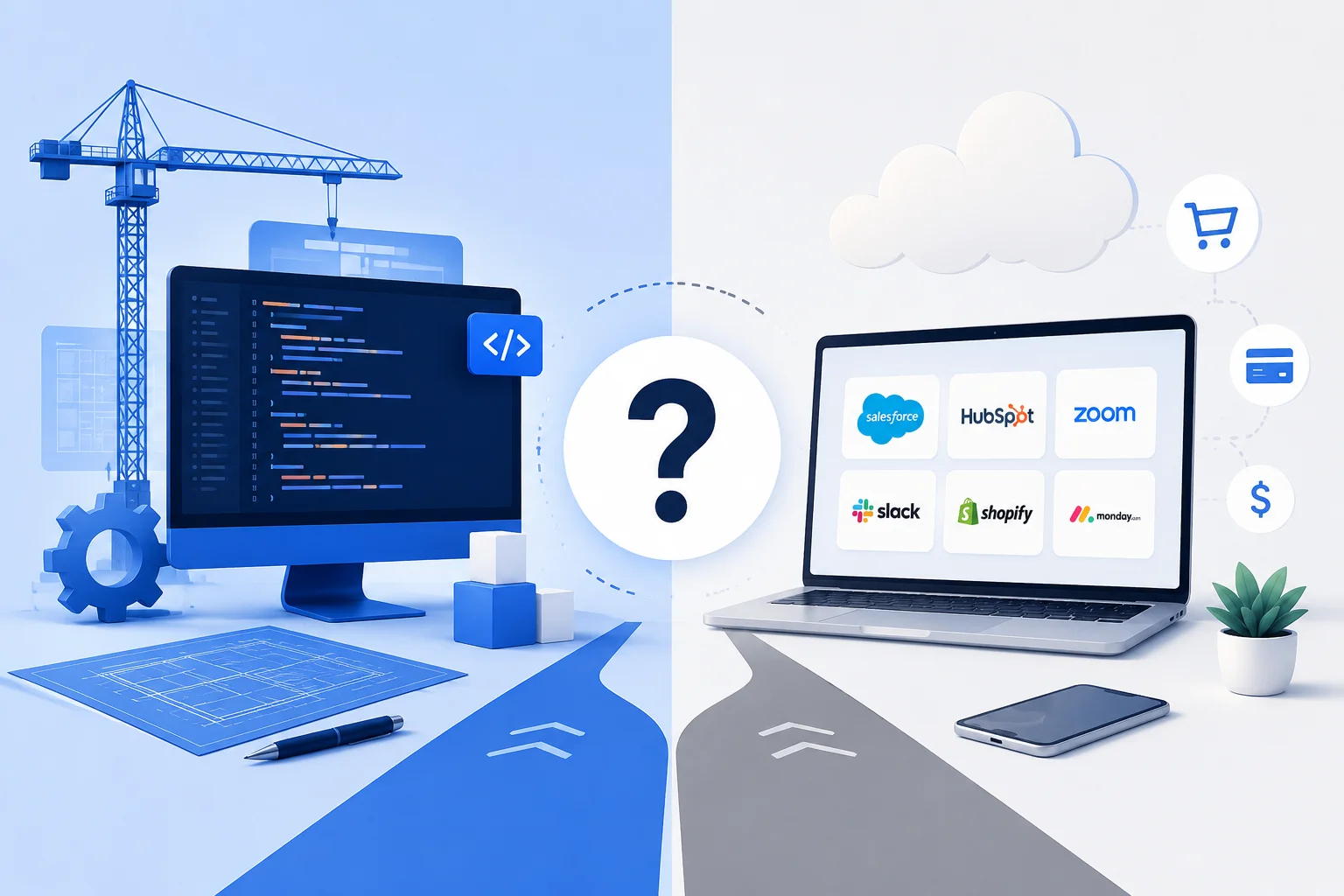
Consider whether off-the-shelf or custom is the right path. If your workflows are standard, a better SaaS tool might solve the problem. If your workflows are what makes your business different — or if no single off-the-shelf tool covers your needs — custom software development built around how you actually work is worth exploring. We covered this decision in depth in our custom software vs SaaS guide.
Start with the highest-pain problem. You do not need to replace everything at once. Identify the system that causes the most daily frustration or the most revenue impact, and fix that first. Build momentum from there.
At SoftwareOrbits, we regularly help businesses that have hit this exact wall. Our custom software development projects often start with a discovery phase where we map your current tools, workflows, and pain points — then recommend whether you need integration work, a targeted replacement, or a full platform built around your operations. Reach out for a free consultation and we will give you an honest assessment of where your software stands.
Frequently Asked Questions (FAQ)
How do I know if I need new business software?
The clearest signs you need new business software are manual data transfer between systems, reliance on spreadsheets to fill gaps, slow routine tasks, inability to get reliable reports, growing security concerns, and customer experience suffering because of internal system limitations. If three or more of these describe your situation, your current tools are holding you back.
What is the cost of using outdated business software?
Companies spend 60 to 80% of their IT budgets maintaining legacy systems. Hidden costs include manual labor for workarounds (often $30,000 to $50,000+ per year), lost productivity from slow tools, revenue lost from poor customer experience, and security breach risk. The total cost is almost always higher than the cost of upgrading.
Should I upgrade my current software or replace it entirely?
It depends on how deep the problems run. If the core tool works but lacks integrations, API integration might be enough. If the tool fundamentally cannot handle your volume, workflows, or compliance needs, replacement is the better path. A discovery phase with a development partner helps you make this decision with real data instead of guesses.
Is custom software worth it for a small business?
Yes, when off-the-shelf tools require so many workarounds that your team spends more time fighting the software than using it. Custom software eliminates those workarounds, scales with your growth, and often costs less over 3 to 5 years than the combined subscriptions and manual labor of a patchwork tool stack.
How long does it take to replace business software?
A targeted replacement of one system typically takes 3 to 6 months. A full platform replacement across multiple business functions can take 6 to 12 months. Starting with a discovery and planning phase prevents surprises and keeps timelines realistic.
What should I do first if I recognize these signs?
Audit the real cost of your current setup — subscriptions, manual labor hours, error rates, and customer impact. Then talk to a development partner who can assess whether you need better integrations, a targeted tool replacement, or a custom platform. Do not try to fix everything at once — start with the highest-pain problem.
Can I fix these problems with better integrations instead of new software?
Sometimes. If your individual tools are solid but disconnected, API integration can bridge the gaps and eliminate manual data transfer. But if the tools themselves are at capacity — slow, crashing, lacking features — integration will not fix the underlying problem. You need better tools, not better connections between bad ones.
How much does it cost to replace outdated business software?
Costs range from $30,000 to $200,000+ depending on complexity. A simple tool replacement with integrations might cost $30,000 to $60,000. A comprehensive custom platform replacing multiple systems typically costs $80,000 to $200,000. The ROI usually shows within 12 to 18 months through reduced manual labor, fewer errors, and improved customer experience.
Conclusion
Outgrowing your software is not a failure. It is a sign that your business is growing faster than the tools you started with. The failure is recognizing the signs and doing nothing about it.
Every workaround your team has built, every spreadsheet that fills a gap, every manual process that should be automated — those are all costs. They do not show up on a single invoice, which is why they are easy to ignore. But added together, they are quietly draining time, money, and competitive advantage from your business every day.
The fix does not have to be dramatic. Sometimes it is better integrations. Sometimes it is replacing one tool. Sometimes it is a custom platform that ties everything together. The first step is the same regardless: take an honest look at how your team actually works, add up what the current setup is really costing you, and decide whether that cost is worth carrying for another year.
If you want help running that assessment, SoftwareOrbits offers a free consultation where we map your current tools and workflows and give you an honest recommendation. Reach out and we will tell you what we see — even if the answer is that your current software is fine and you just need a few integrations to make it work better.